ss11Dynamics
Alternate dynamics aligned to the baseline, without rotation.
Music font
Italian: “dawn” /ˈal.ba/
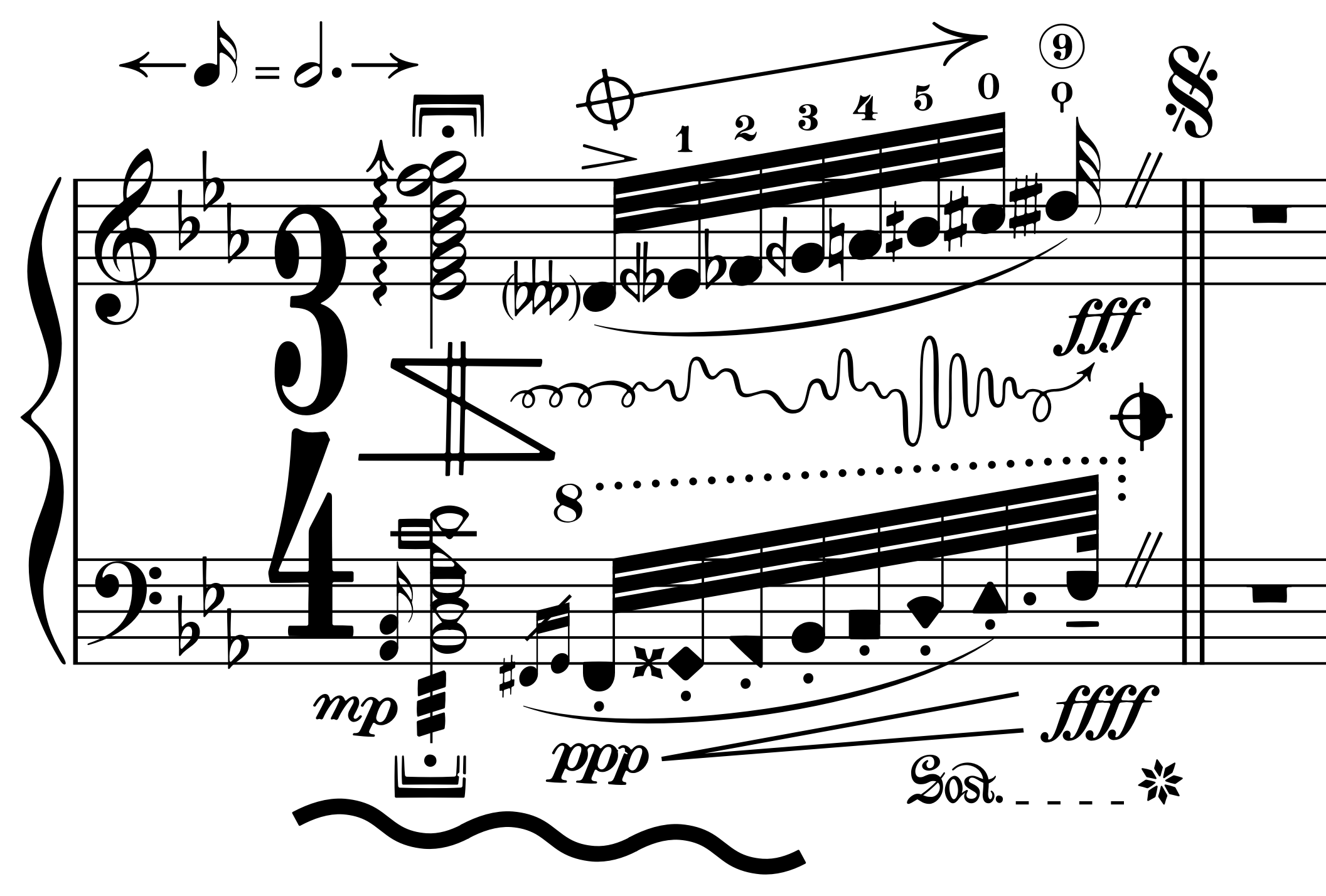
Alba is a SMuFL-compliant music font for Dorico, inspired by the plate-engraved music of early 20th-century European publishers.
Pages engraved using Alba, based on the editions credited below. Select a page to open it at full resolution.
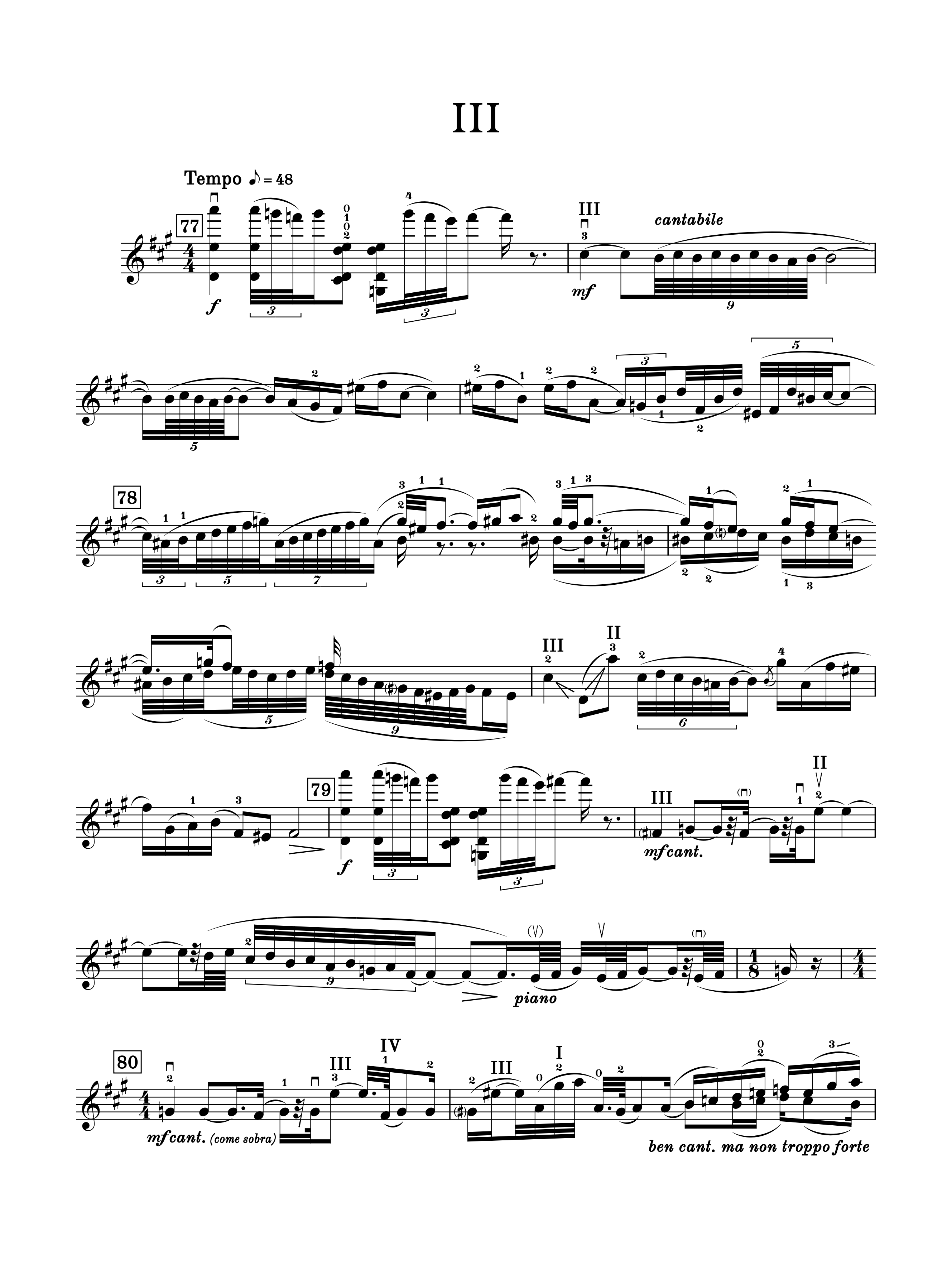
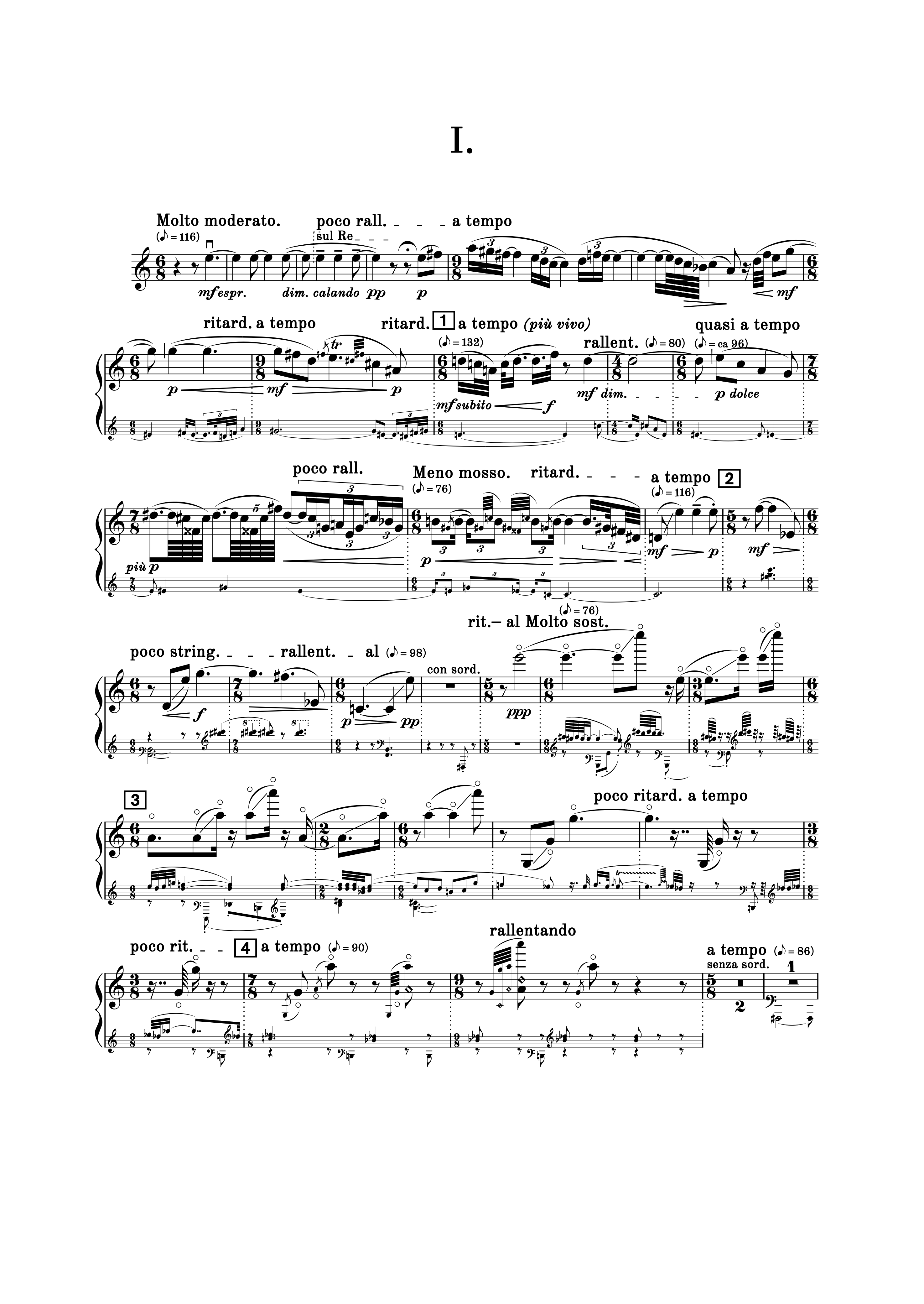
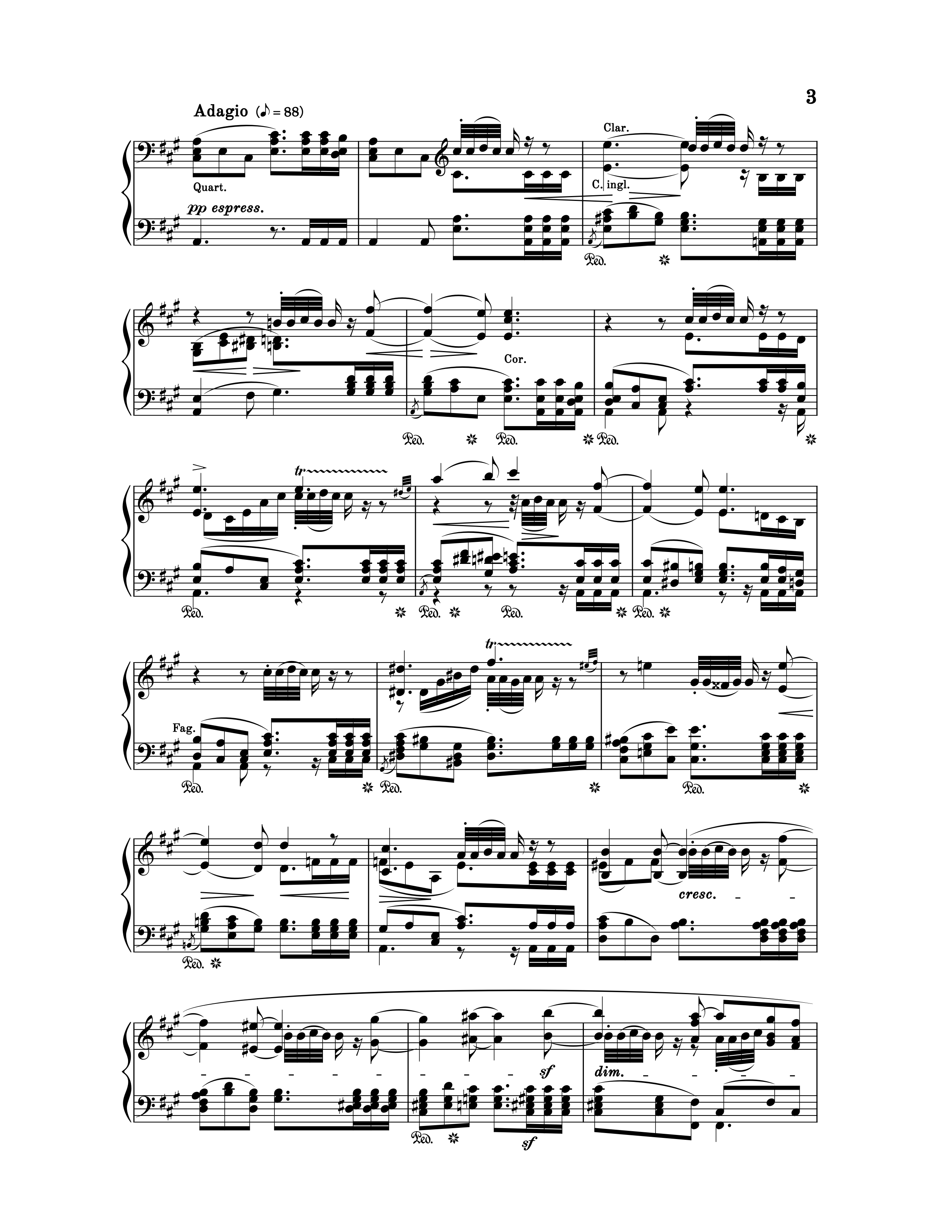
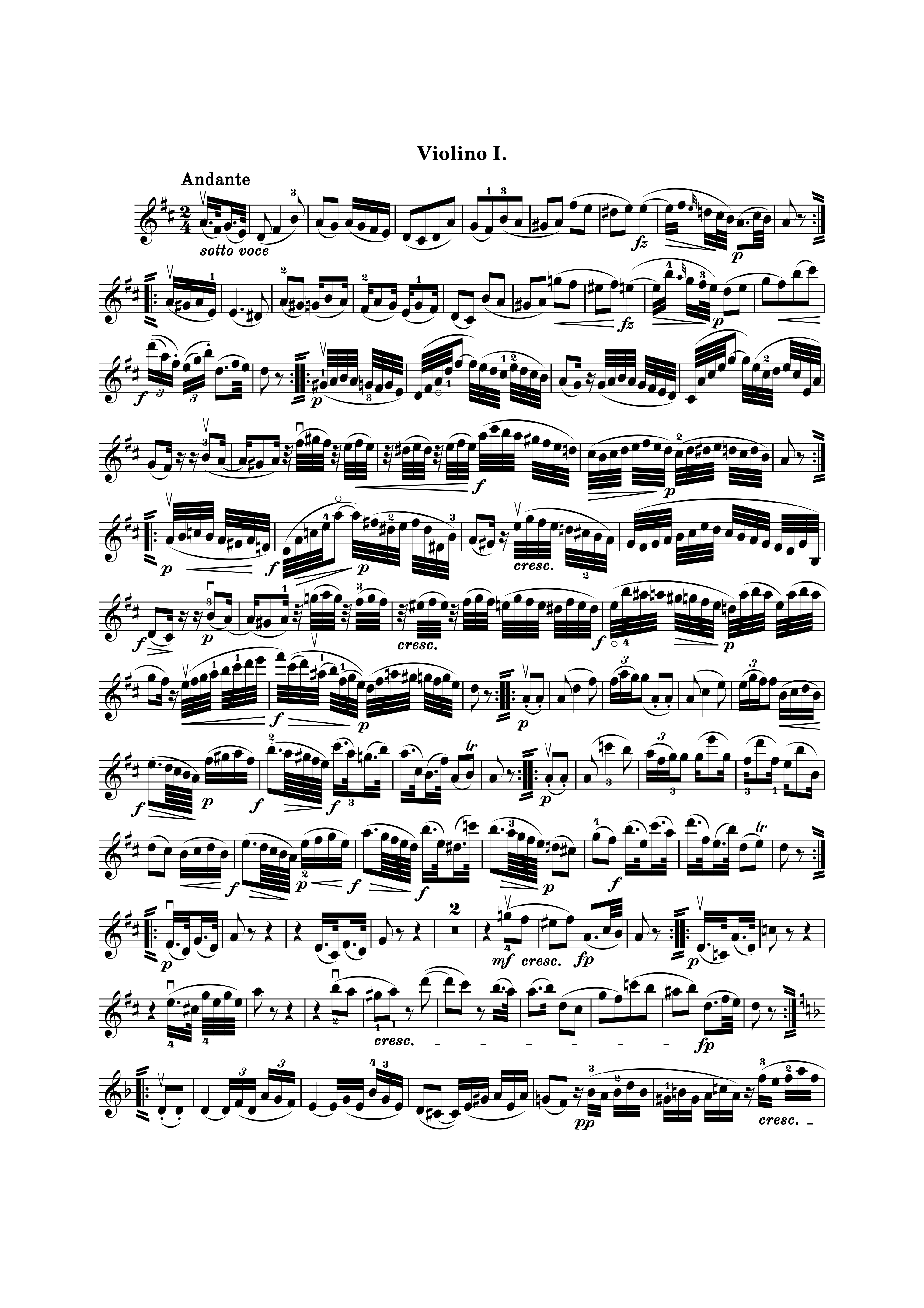
Rounded details and subtle irregularity give Alba its warm, inviting look. Typographic contrast and hierarchy, rather than uniform symbol weight, keep dense notation clear and comfortable to read—from conductors’ scores and orchestral parts to chamber music. Alba was created by Polish-American film composer Abel Korzeniowski.
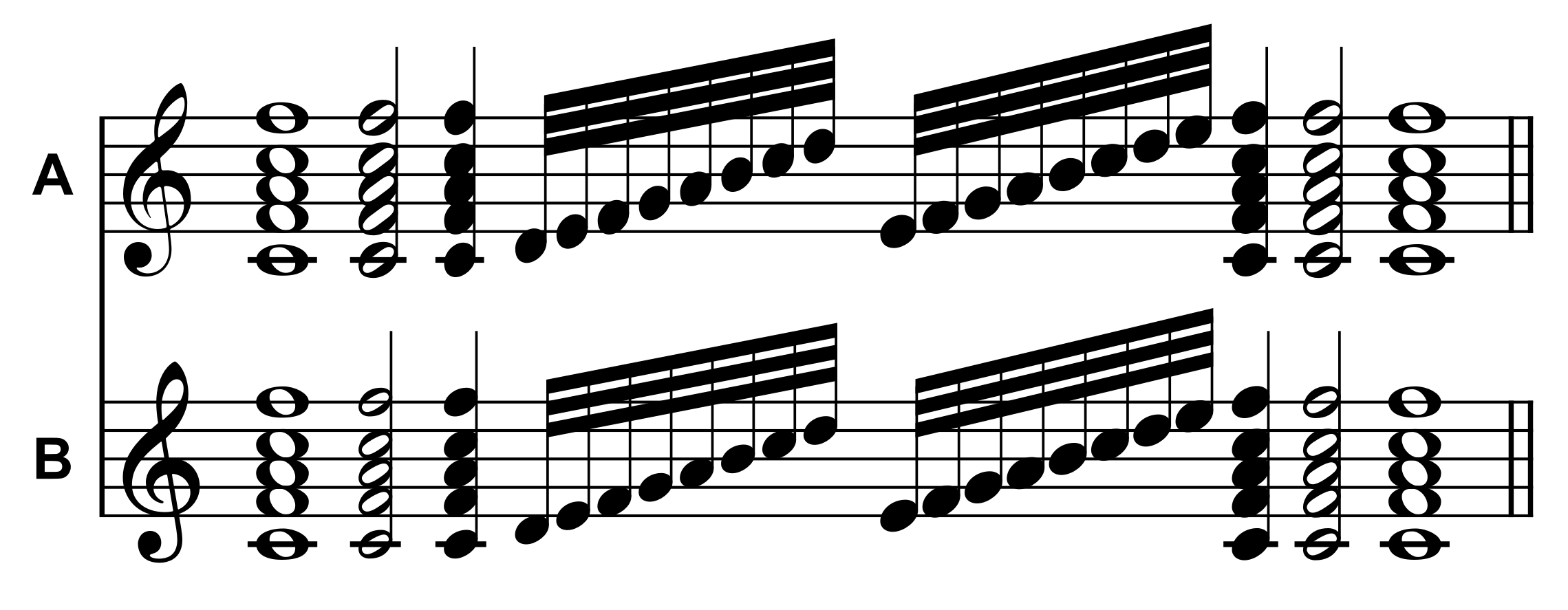
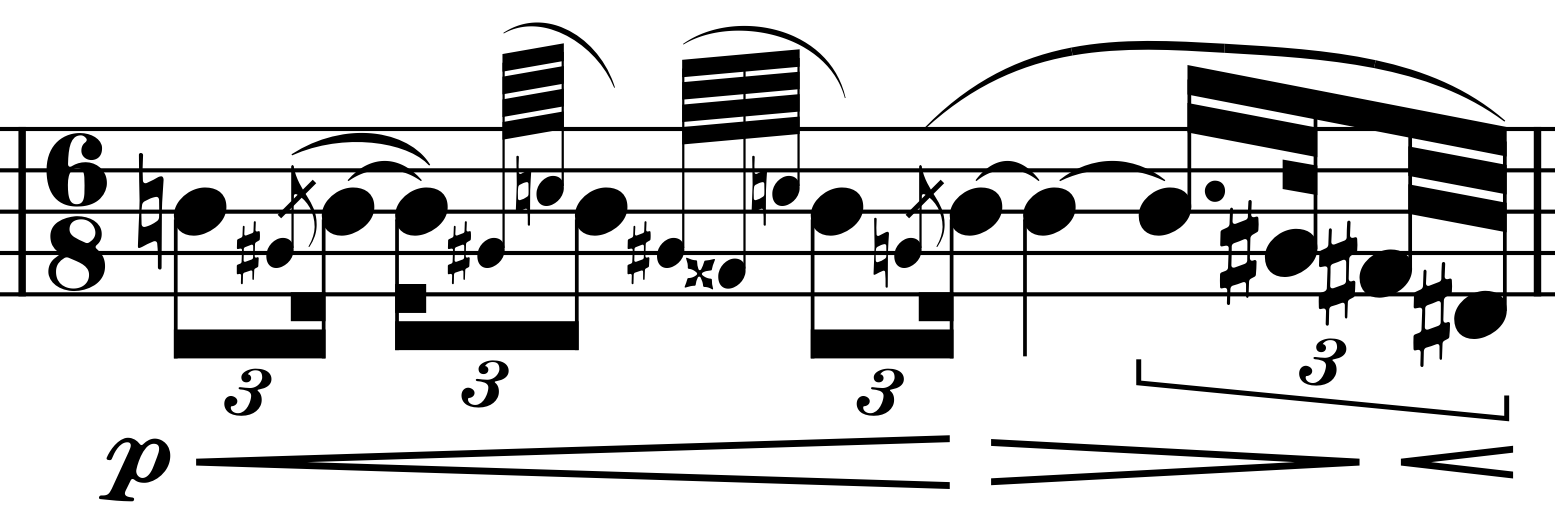
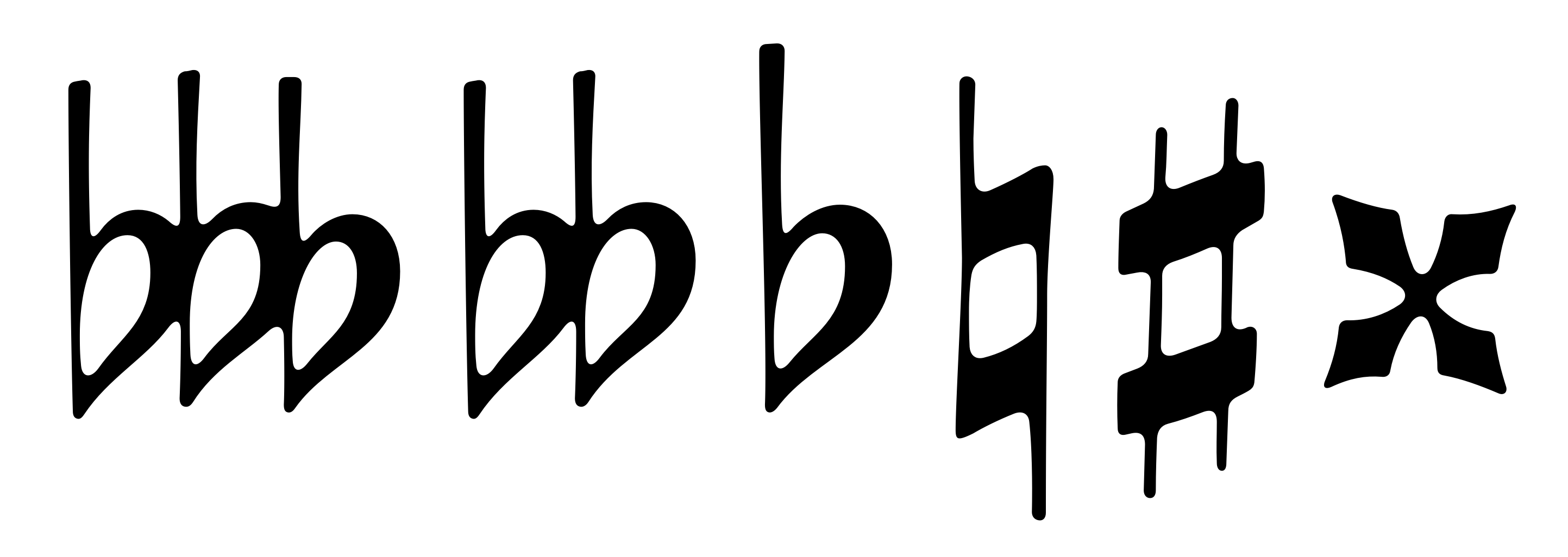
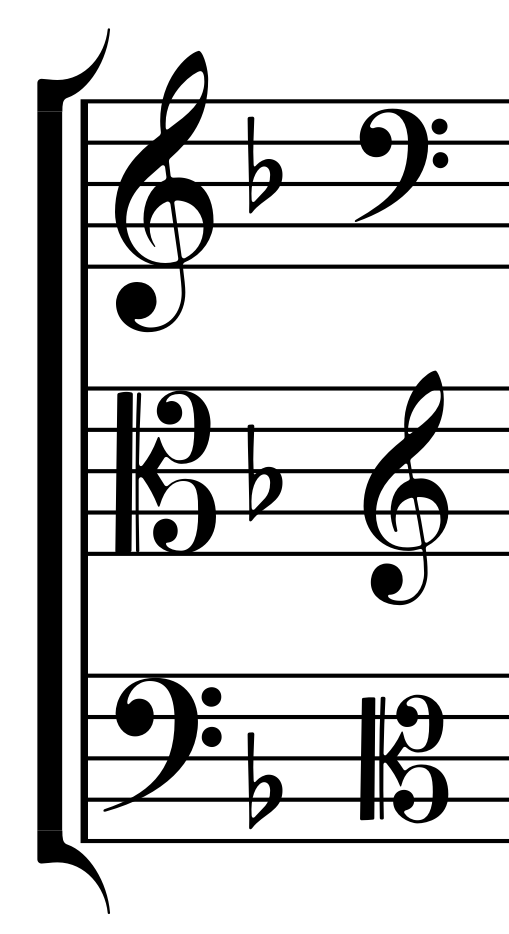
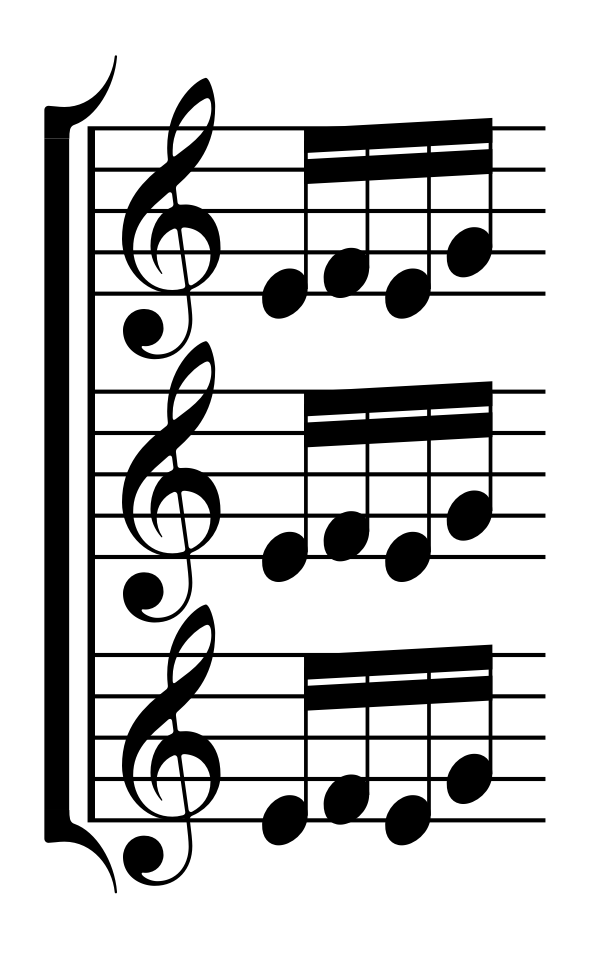
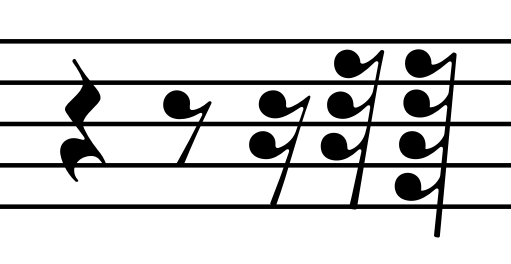
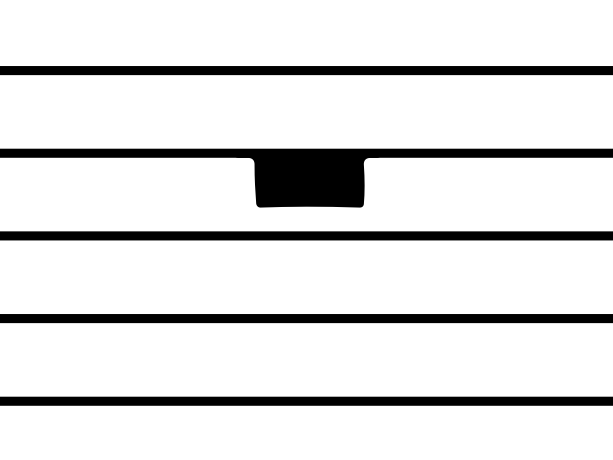

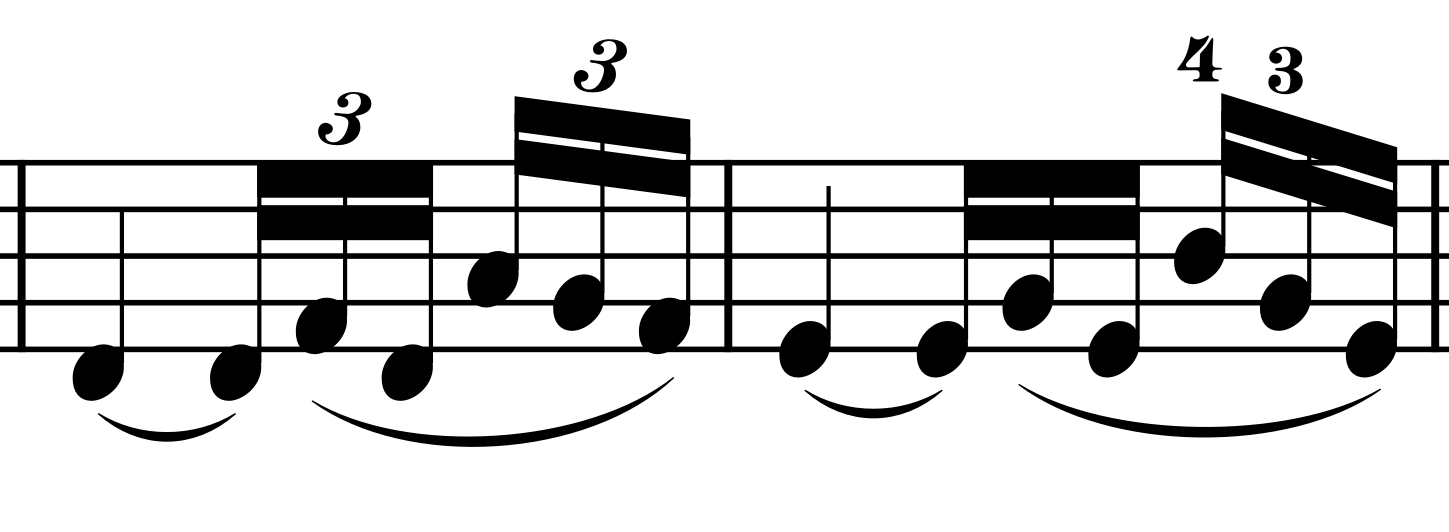
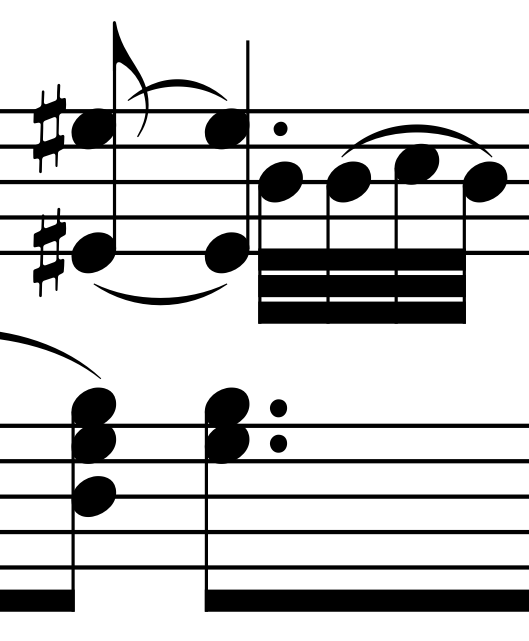
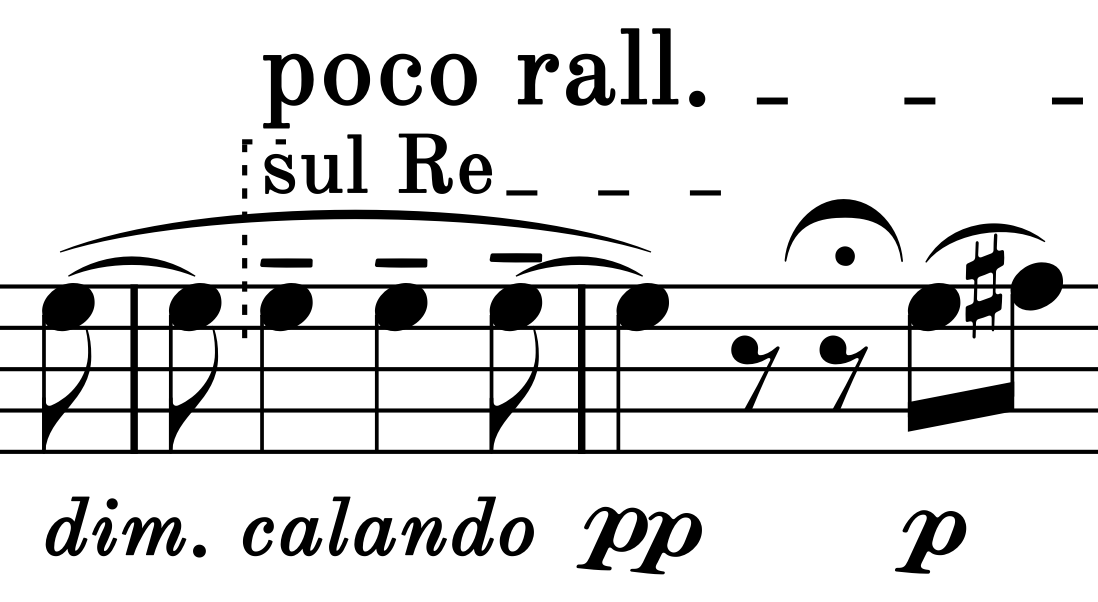
Alba includes optional stylistic sets, ligatures, and contextual alternatives that provide additional control over its appearance, while AlbaText lets you add musical symbols directly to text (SMuFL and AlbaScript).
Music font
ss11Alternate dynamics aligned to the baseline, without rotation.
ss12A non-italic style for octave markings.
ss13A monoline style for multisegment lines.
ligaCompound tuplet numerals from 10 to 25 with a hand-punched appearance.
caltAutomatic coupling elements for multisegment lines.
In Dorico, contextual alternatives work in ordinary text strings, such as playing techniques, but are not currently supported in line bodies.
Companion music text font
rlig rcltUse Alba’s symbols as musical text in Dorico (SMuFL), or type them using ordinary keyboard characters with AlbaScript, a typing system based on Dan Kreider’s MusGlyphs.
No manual activation is needed.
Alba will be available for free under the SIL Open Font License (OFL).
Explore glyphs by category, with SMuFL names or Unicode values.
AlbaScript editor →Try AlbaScript with editable examples and a live preview.
Install Alba.otf, AlbaText.otf, AlbaText-Bold.otf, and AlbaText-Black.otf using Font Book on macOS or the font installer on Windows.
Place Alba.json in one of the SMuFL metadata locations below for your operating system. Choose either the all-users location or the current-user alternative. Create the Alba folder if it does not yet exist.
/Library/Application Support/SMuFL/Fonts/Alba/Alba.json~/Library/Application Support/SMuFL/Fonts/Alba/Alba.json%COMMONPROGRAMFILES%\SMuFL\Fonts\Alba\Alba.json%LOCALAPPDATA%\SMuFL\Fonts\Alba\Alba.jsonRestart Dorico, then open Library → Music Fonts. Select Alba, choose whether to use the font’s recommended engraving options, and confirm.
If Alba does not appear, confirm that the folder is named Alba and contains Alba.json, then restart Dorico.
Note: Changing the music font in Dorico doesn’t automatically replace certain symbols, such as mid-system clefs, chord-symbol accidentals, and metronome notes. These retain their Bravura or Bravura Text appearance. Follow step 04 to replace them with their Alba and AlbaText equivalents.
The replacements apply to the current project; repeat these steps for other projects, or save a project template to reuse them. Engraving and layout options remain unchanged.
Sheet music from these publishers informed Alba’s design.